

Linia Presentations
SmartArt Org Chart
SmartArt Org Chart
Couldn't load pickup availability
Description
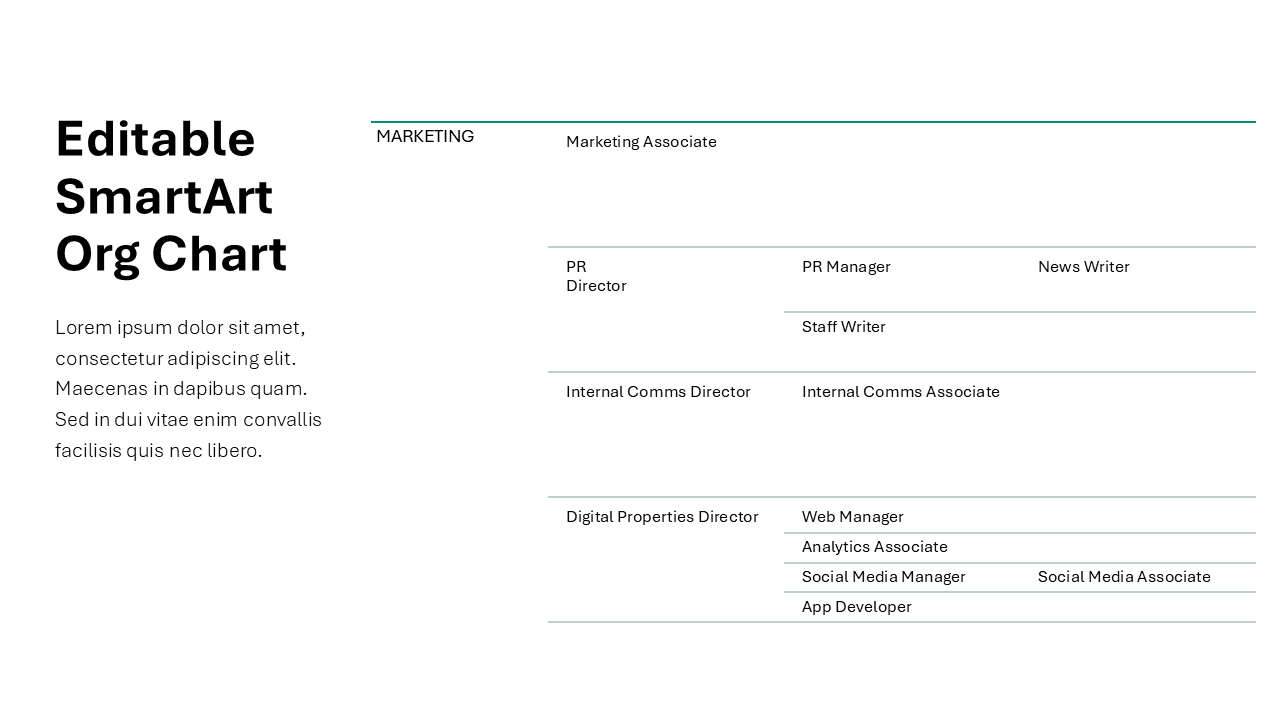
Organizational charts are one of those slides that seem simple to create, until you actually have to build one. Between aligning so many boxes, adjusting spacing, and trying to keep that tiny text readable, creating org charts quickly becomes a headache.
That's why we've built this set of SmartArt Org Chart slides that you can use as a starting point. PowerPoint’s SmartArt feature makes creating and editing organizational charts much faster - even if you’re not a designer!
We've created these sets of org charts - from simple leadership team charts that have one or two levels to complex full team structures - full using PowerPoint's built-in feature. That way you can use the closest design as your starting point and easily add and remove roles and levels as needed. Check out our blog post on SmartArt org charts.
Number of Slides
12
Easy to Edit
Edit and manage structure through the built-in PowerPoint SmartArt. See our blog post for how to work with SmartArt hierarchies.
Tags
hierarchy, smartart, organizational structure, team roles, responsibilities
File Size
File Size
10MB
Format & Delivery
Format & Delivery
You will receive a PowerPoint (.PPTX) file with this purchase.
If you'd like to use it in Google Slides, simply upload the file into Google Slides, and it'll automatically convert into an editable Google Slides presentation.