

Linia Presentations
Callout Box PPT
Callout Box PPT
Couldn't load pickup availability
Description
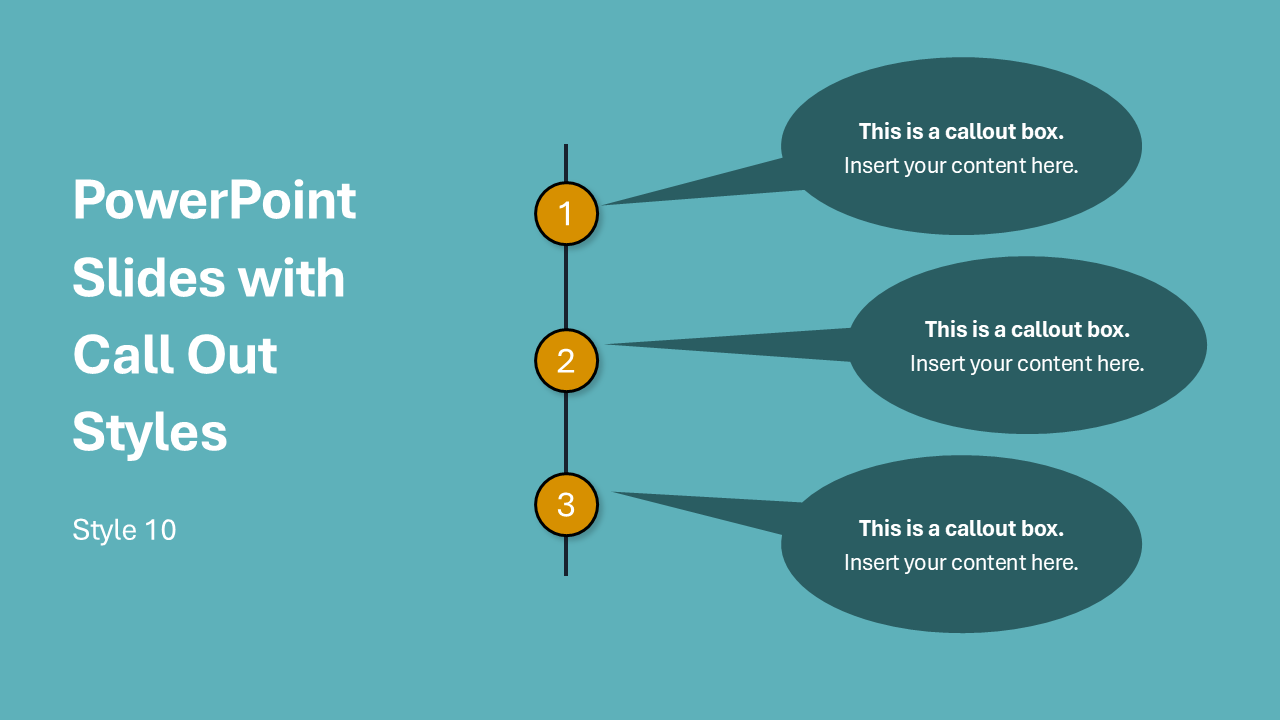
Callout boxes are a useful elements in many presentations.
Use them to call out a key stat or metric on a data slide, highlight an important quote or customer testimonial, draw attention to a specific part of a diagram or chart, add a speaker note or annotation directly on the slide, label a step in a process or timeline, or emphasize a warning, tip, or key takeaway. Phew! So many uses.
One of the best things about our 10 designs, which give you a variety of distinct shapes and colors, is that these are designed as native to PowerPoint. That means that you'll easily be able to resize them, recolor them, add your own text, and manipulate them without stretching or skewing the shape (which happens on other slides that use non-native graphics).
Ten distinct designs and color styles give you enough variety to match almost any deck. Whether you're working with a bold branded presentation, a clean minimal layout, or something in between, you'll find something that fits.
✓ All text fully editable
✓ All colors fully editable
Tags
callout, callout box, call out shape, speech bubbles, highlight bars, annotation, key point
Format & Delivery
Format & Delivery
You will receive a PowerPoint (.PPTX) file with this purchase.
If you'd like to use it in Google Slides, simply upload the file into Google Slides, and it'll automatically convert into an editable Google Slides presentation.